

The best online multiplayer party games do not make the host solve a tech problem before anyone has fun. Start with the group you have, choose a format that fits the moment, and keep the first round moving. A lively game can be as simple as a browser room, a shared video call, or one person reading prompts while everyone plays along.
How to Choose Online Party Games for Your Group
First decide whether everyone should play on their own device or around one shared screen. A room-code browser game works well when each person has a phone or laptop. A shared screen works when one person is hosting and the group wants a low-key activity alongside a video call.
Next, choose the kind of interaction you want. Trivia and bluffing games give people a prompt to react to. Drawing games make the answer visible even when people are quiet. Charades and scavenger games get the room moving. The right choice is less about finding a “best” game than matching the energy of your friends.
- Three to six people: use short rounds where everyone gets a turn.
- Six to twelve people: use team scoring or a prompt everyone answers at once.
- More than twelve people: assign teams and keep a host or co-host in charge of time.
If it is a mixed group, pick rules you can explain in one breath. You can always add a more competitive game after the first easy win.
Browser Party Games for Online Multiplayer Groups
Browser games are a strong default for remote friends because they remove the usual friction: no app-store link, no controller pairing, and no long tutorial. The host opens a room, shares the code, and players join from the browser they already use.
Look for game loops with a clear clock and a clear reveal. Fast trivia, drawing prompts, fake answers, and “who knows this person best?” questions work because every round has a small surprise. If the game has voting, make sure the group knows whether they are voting for the funniest answer, the true answer, or the best drawing before the first timer starts.
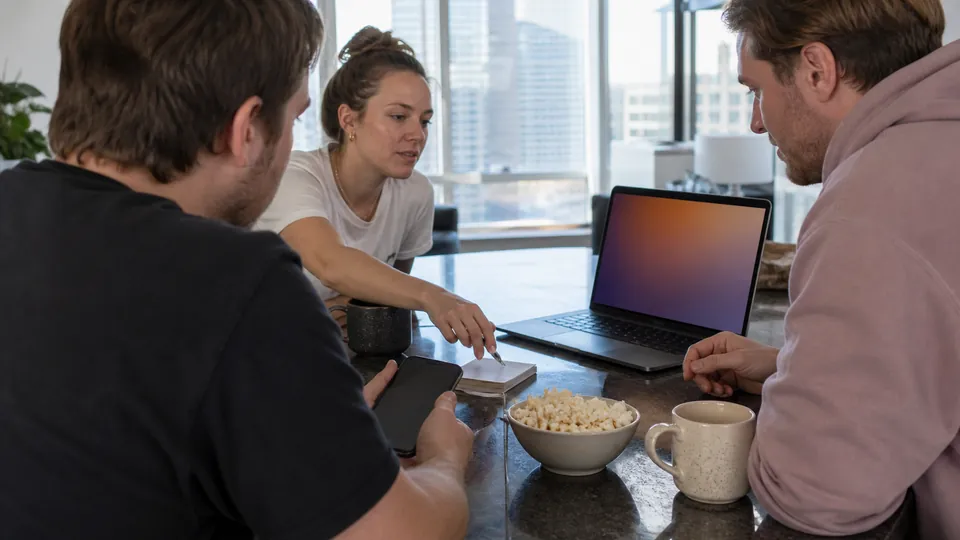
A room-code game also gives the host a simple privacy rule: share the room only with invited friends, and start a fresh room for the next group. Keep the first match short so late arrivals can watch one round and join the next.

Video-Call Party Games With No Download
When you only have a video call, use games whose materials fit in a sentence. Charades needs a prompt list and a timer. A remote scavenger hunt needs a short list of ordinary household items. “This or that” questions are useful when a new group is still warming up.
For a longer game, try a three-round Fishbowl. Everyone sends in a few names or phrases, then the group plays three passes with the same bowl: describe the phrase freely, use one word, then act it out. The rules get easier as the group learns the shared clues.

The host’s job is to make the call feel less like a meeting. Ask people to keep the chat open for answers, name the next person before the timer starts, and leave a little room for reactions after each reveal.
Online Party Games for Friends and Large Groups
Large groups need fewer individual turns and more shared decisions. Split people into teams of three or four, give each team a spokesperson, and award points for quick answers as well as correct ones. Teams lower the pressure for quieter players and prevent a long queue of solo turns.
Trivia works especially well when the host can mix easy questions with a few strange ones. Drawing games work when teams can shout ideas at a single artist. For a work social or a reunion, keep the prompts inclusive: skip inside jokes that only one subgroup understands, and avoid questions that need personal disclosure to be funny.

Set a finish line early: “first team to 15,” “five rounds,” or “we stop at the top of the hour.” A known ending makes the game feel energetic instead of endless.

How to Host an Online Party Game Night
For most groups, an hour is enough. You do not need a perfect schedule; you need a first game that starts on time and a second option ready when the group asks for “one more.”
- 0–5 minutes: welcome people, share the room link or code, and say how long you plan to play.
- 5–20 minutes: start with an easy round of trivia, drawing, or a quick vote game.
- 20–40 minutes: switch to a team game or a game with bigger reactions.
- 40–55 minutes: let the group choose a rematch, a new room, or a no-download video-call round.
- Last five minutes: call the last round before people begin to drift away.
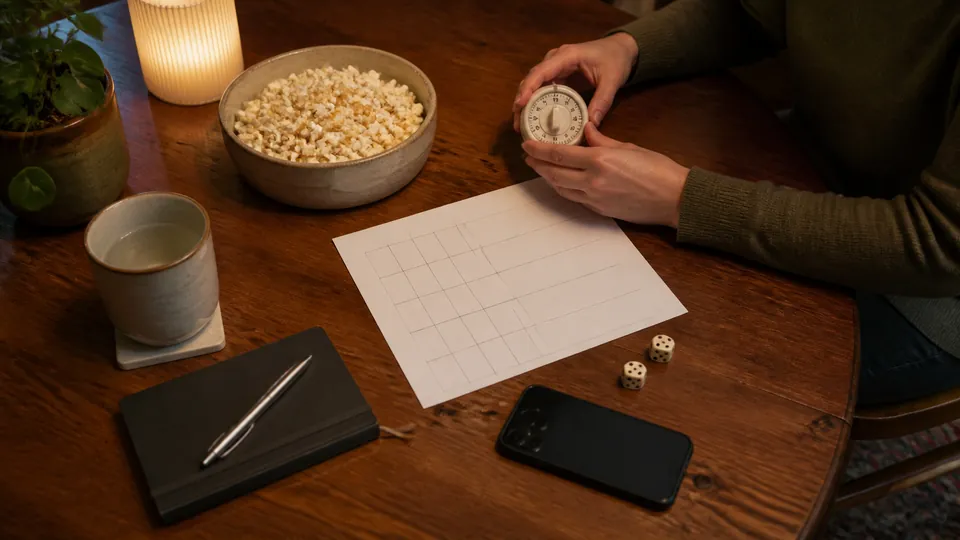
Have one backup ready for connection hiccups. If the browser room stalls, switch to charades. If half the group is late, use a question round that people can join between turns. That small bit of flexibility is what makes a hosted online game night feel effortless.

Online Party Games FAQ
-
What are good online party games for a small group?
For three to six people, pick a game that gives every player frequent turns: a short browser trivia room, drawing rounds, fake-answer prompts, or video-call charades. A room code and one shared device per person usually keep the setup simple. -
Can we play party games online without downloading anything?
Yes. Browser games that use a room code are useful when everyone can join from a phone or laptop. Video-call formats such as charades, a scavenger hunt, or Fishbowl also need only a call and a host. -
How do I run online party games for a large group?
Split a group larger than eight into teams, use timed rounds, and choose a host or co-host to read prompts and keep score. Alternate between one social round and one question-based round so people are not waiting for long.